Sharpvision RM-111 Manual de usuario Pagina 4

  • Descarga
  • Añadir a mis manuales
  • Imprimir
  • Pagina
    / 8
  • Tabla de contenidos
  • SOLUCIÓN DE PROBLEMAS
  • MARCADORES
  • Valorado. / 5. Basado en revisión del cliente
Vista de pagina 3
Beforeusingtheproduct,pleasemakesurethatthepackageofproductincludesthe
followingitems.
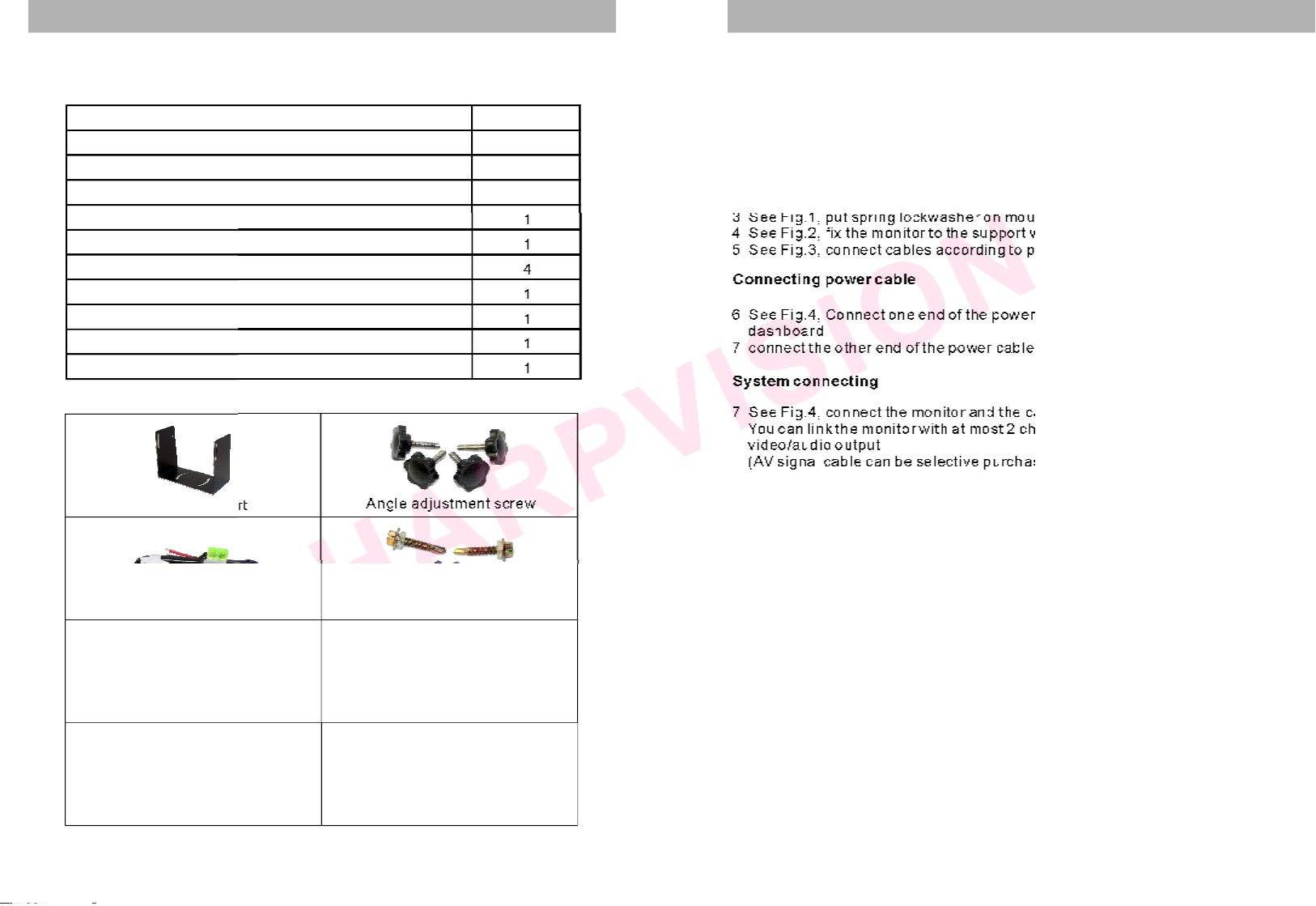
SYSTEMCOMPOSITION
Monitorsupport
Angleadjustmentscrew
Powercable
Directionindicationfilm
Supportmountingscrew
Sunshield
Accessories
2
SYSTEMINSTALLATIONGUIDE
Thismonitorcanbemountedbyembeddingtothedasharea,hangingfromthetruck
rooforseatingtoanypositionwhichissuitabletothedrivertoobservetheimages.
WARNING
Electricalshockorfirehazard.Donottrytoservicethisunityourself.Serviceshould
behandledbyqualifiedtechnicians.
3
Systemconnectingcable
Anti-vibrationpad
Mountingmonitor
1.Selectapositiontomountthemonitor
2.Wellpositionthemonitorsupport,markthefixingholepositionanddrillfixing
holes
3.SeeFig.1,putspringlockwasheronmountingscrewtofixthemonitorsupport
4.ixthemonitortothesupportwith4angleadjustmentscrews
5.SeeFig.3,connectcablesaccordingtoportconnectiondiagram
6.Connectoneendofthepowercable(wire)totherightpositiononthe
dashboard
7.connecttheotherendofthepowercable(plug)tothemonitor
7.SeeFig.4,connectthemonitorandthecamerawiththesystemconnectingcable.
Youcanlinkthemonitorwithchannelsofcamerasand1channelof
video/audiooutput
(AVsignalcablecanbeselectivepurchase)
SeeFig.2,f
SeeFig.4,
atmost2
Connectingpowercable
Systemconnecting
Item Quantity
Monitor 1
Monitorsupport 1
Supportmountingscrew 4
Powercable 1
Anti-vibrationpad 1
Angleadjustmentscrew 4
Systemconnectingcable 1
Directionindicationfilm 1
Sunshield 1
Operatinginstruction 1
Vista de pagina 3
1 2 3 4 5 6 7 8

Comentarios a estos manuales

Sin comentarios